


Sudoku for iPhone and iPad
A calm sudoku that grows a forest.
Three daily puzzles, from a gentle Valley to a steep Summit, and one tree for every day you play. Hints that teach you why, and a board with nothing else on it.
- No ads in any version
- Plays offline
- No account


Ad-free
Not one ad, in any version.
An ad-funded game earns when you look away from the puzzle. Sudoku Mori earns once, when someone buys Full, so the board is the only thing on the screen. There are no analytics SDKs either, and nothing to sign up for.
Not in Sudoku Mori
- Banner under the board
- Video between puzzles
- “Watch an ad for a hint”
- Tracking and analytics SDKs
- Account to sign up for
- Subscription
Every day
Solve a daily, grow today's tree.
Each day brings three puzzles: Valley is gentle, Ridge asks a little more, Summit is steep. Play them in any order. The first plants a sapling, the second makes it a young tree, and all three give you a full tree for the day.
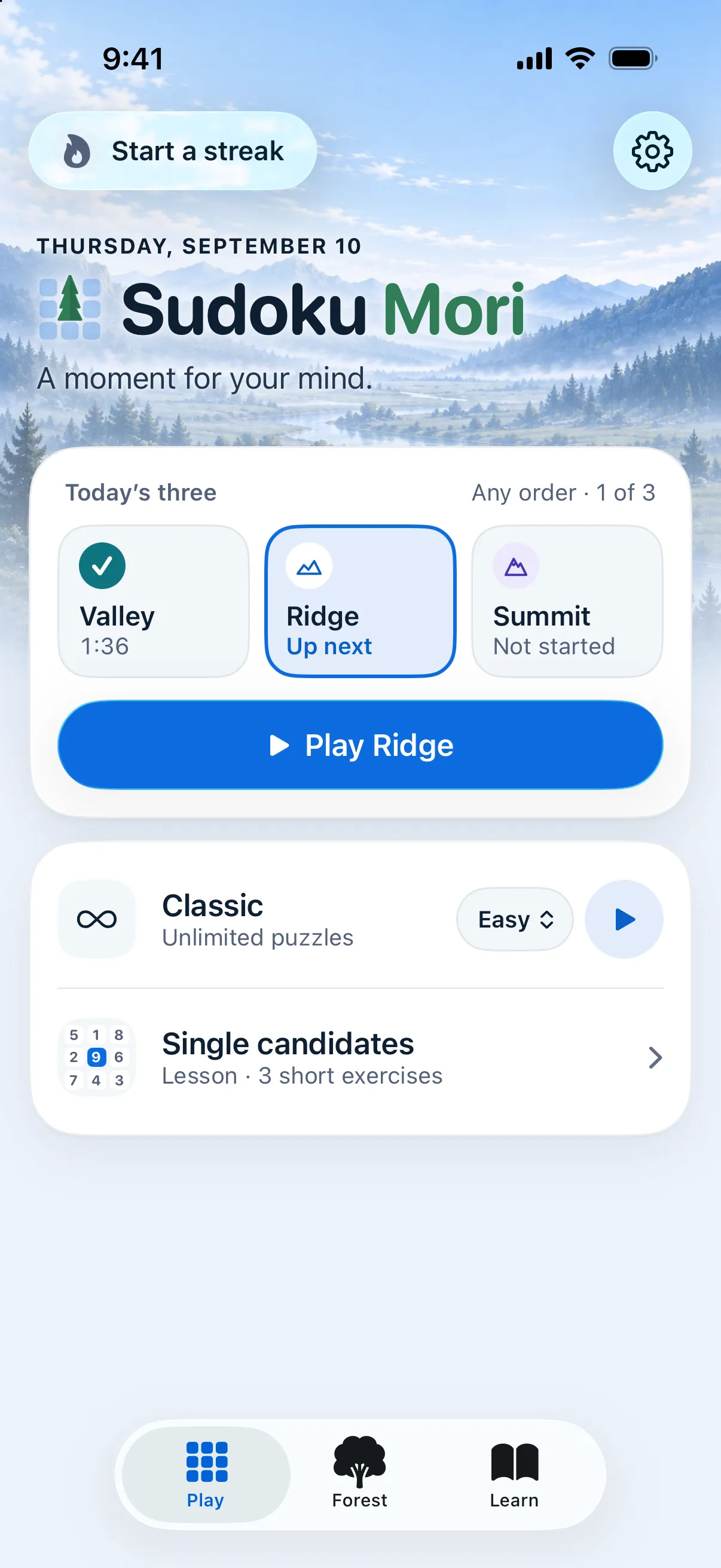
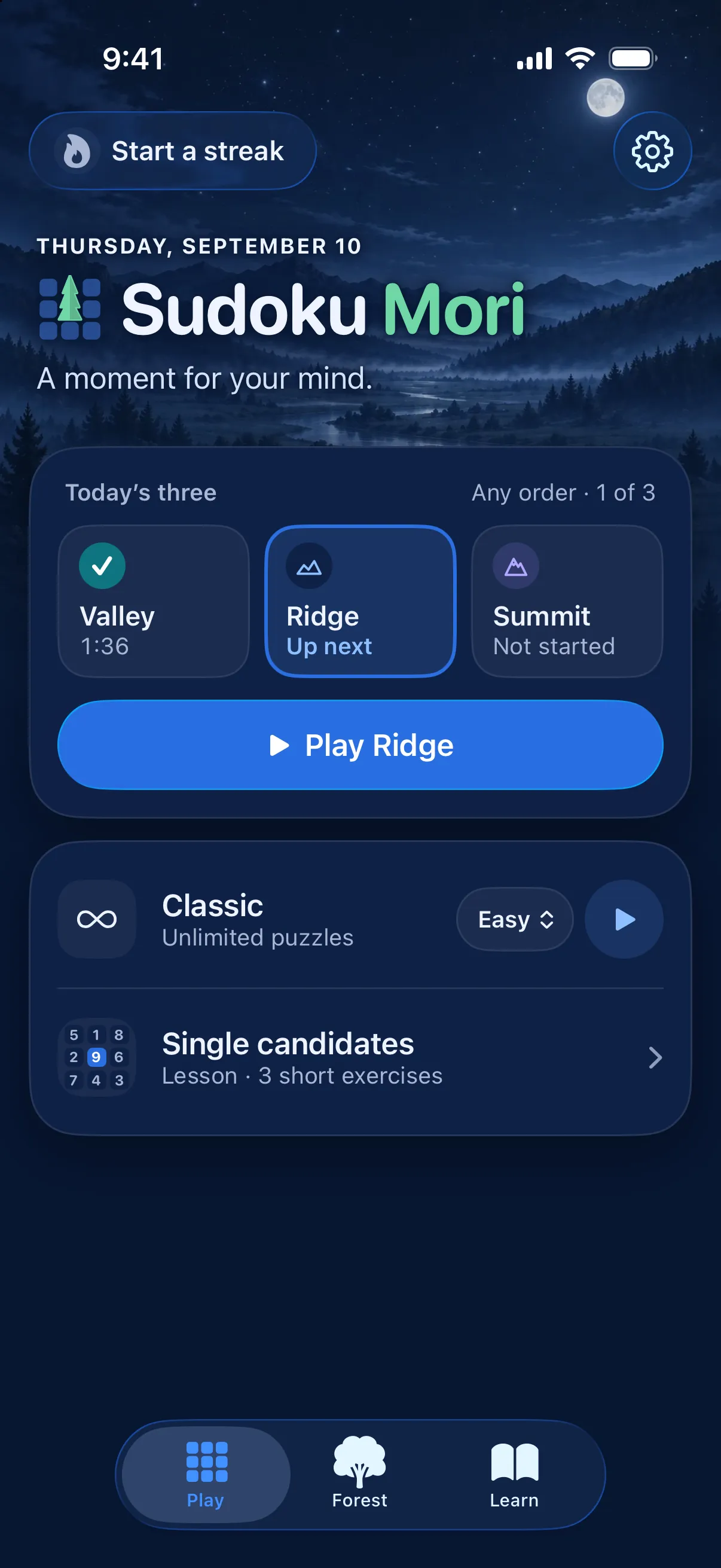
Today's three 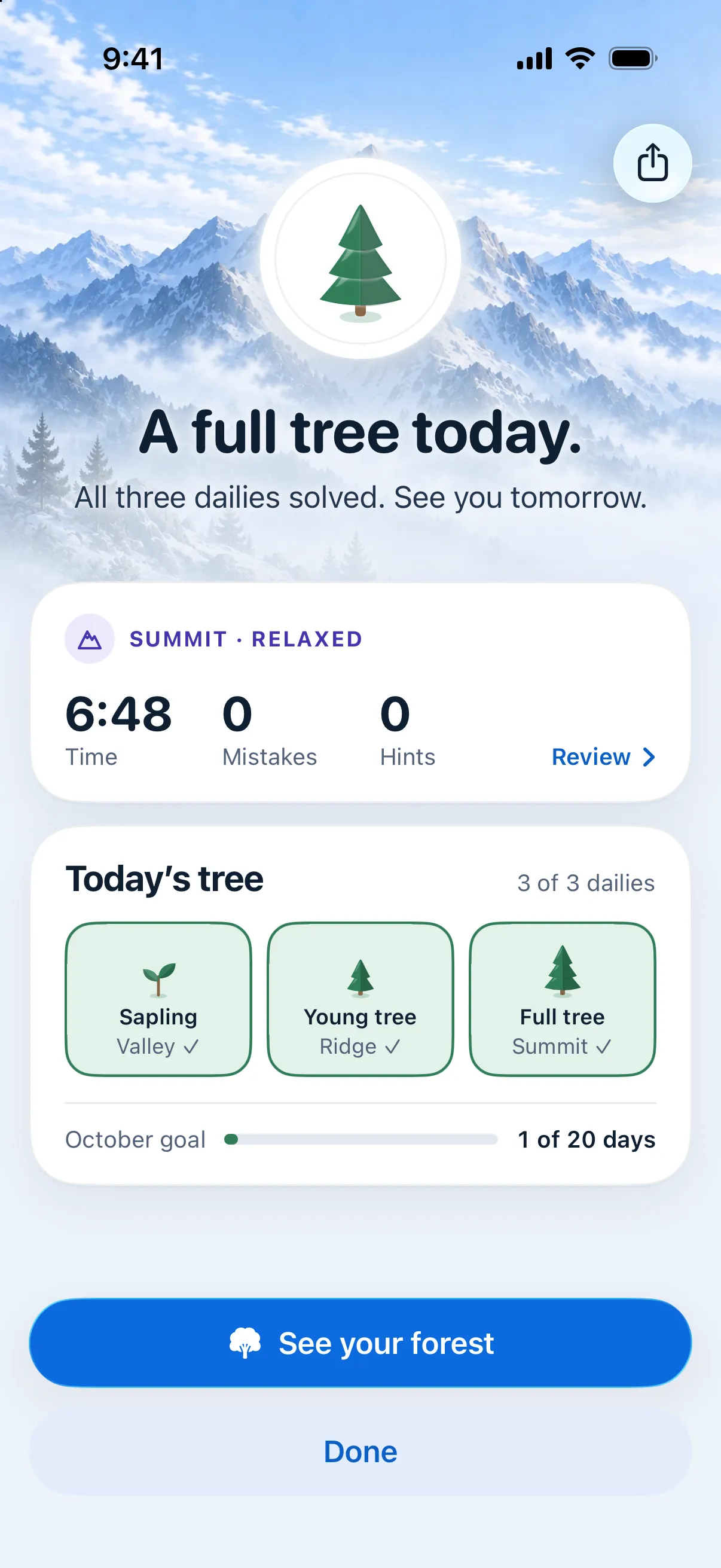
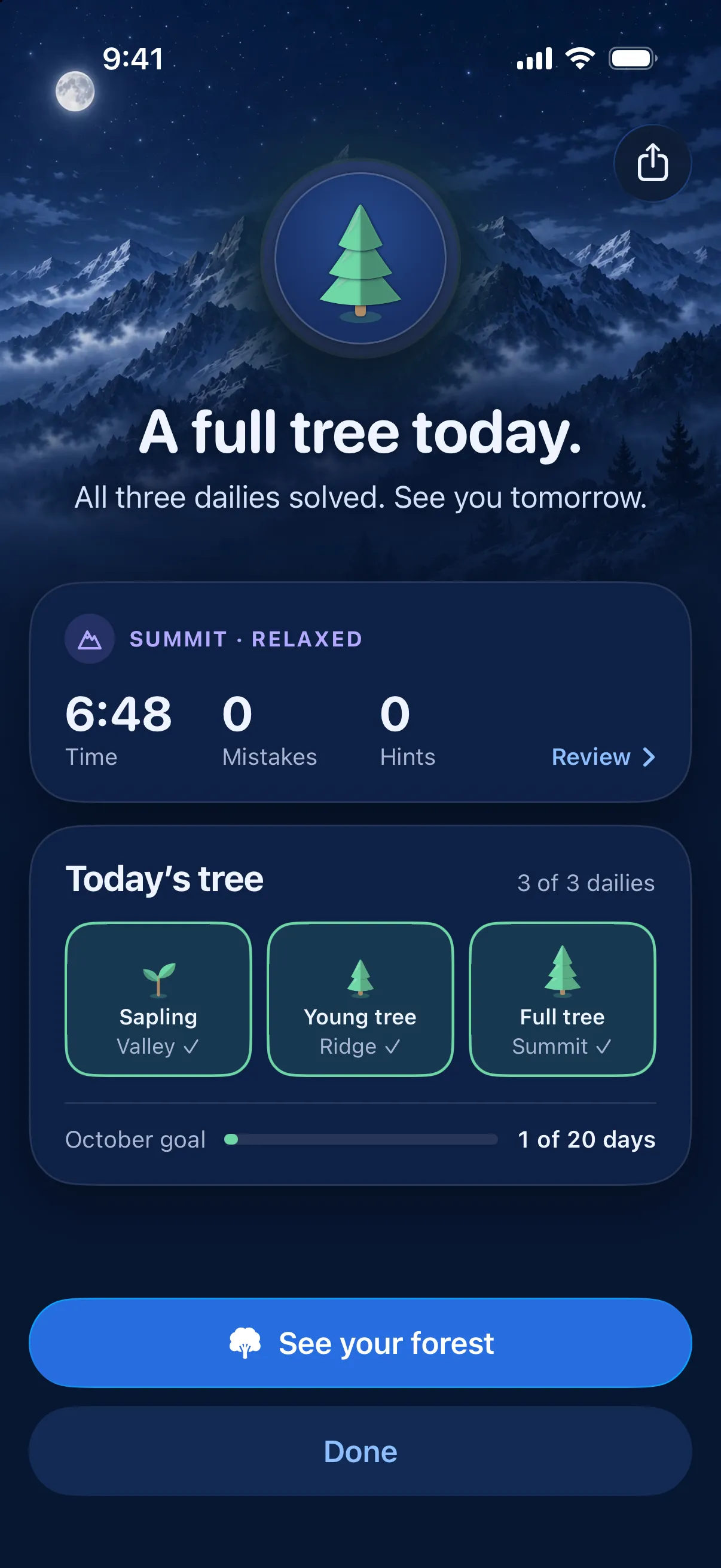
A full tree


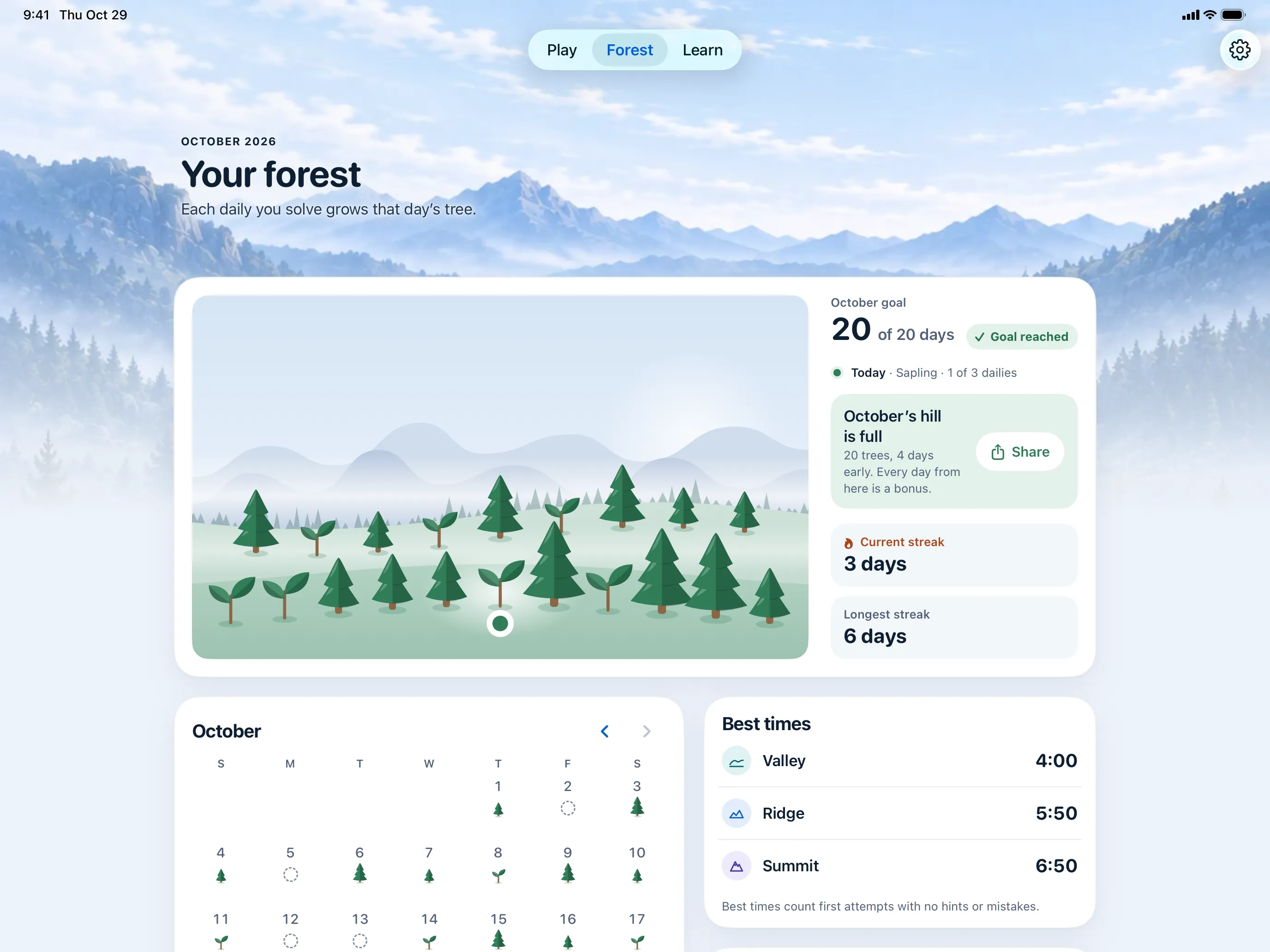
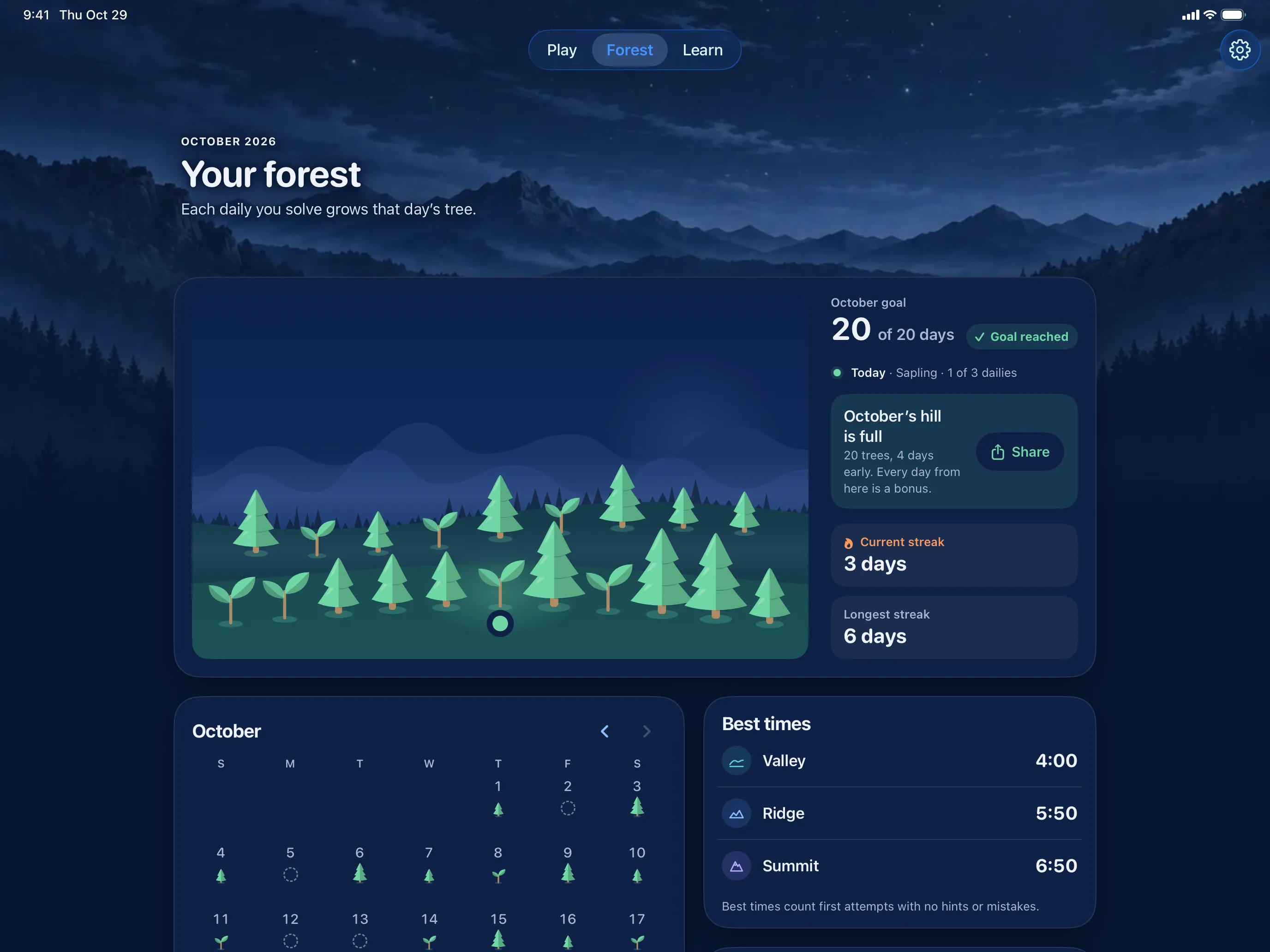
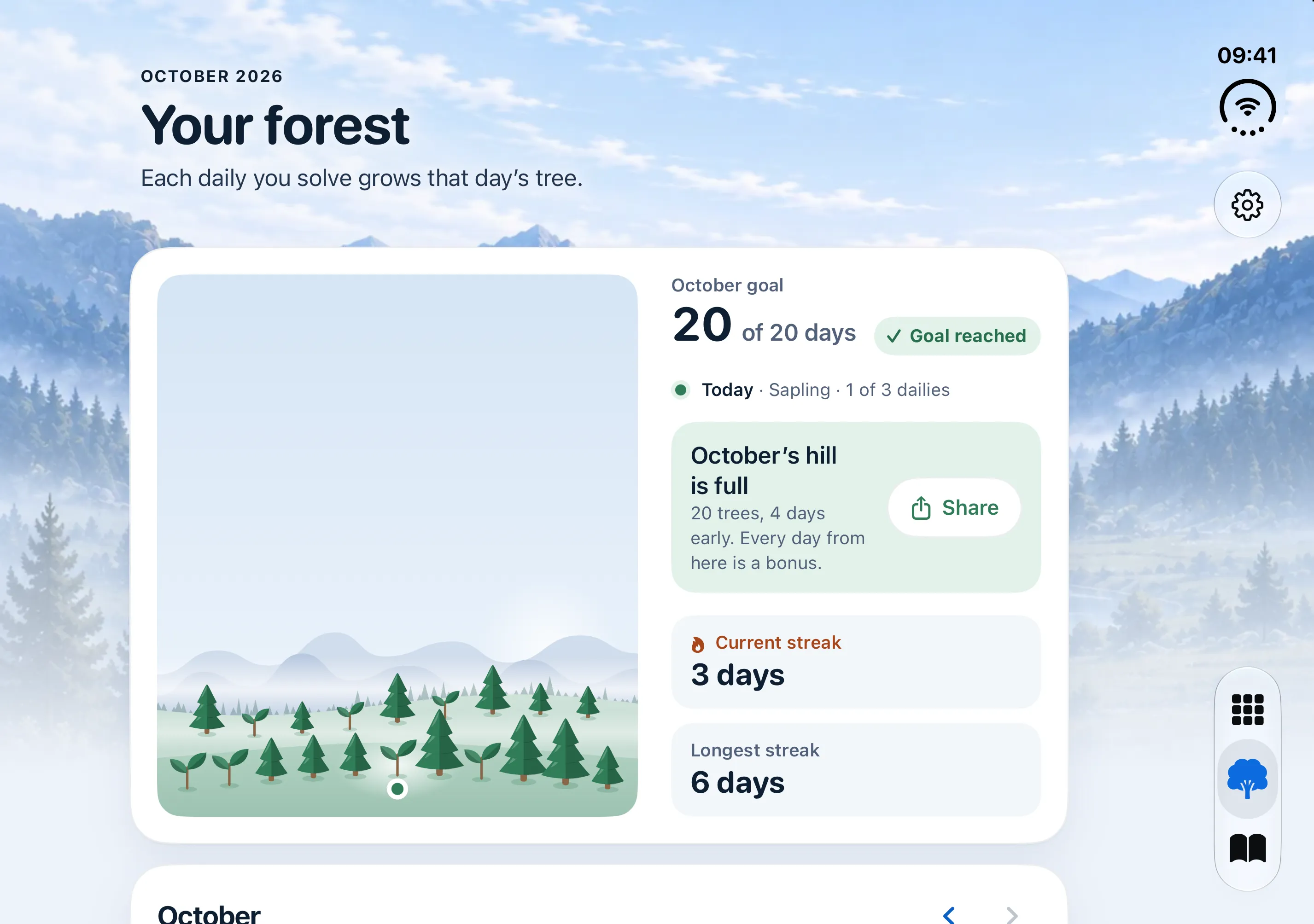
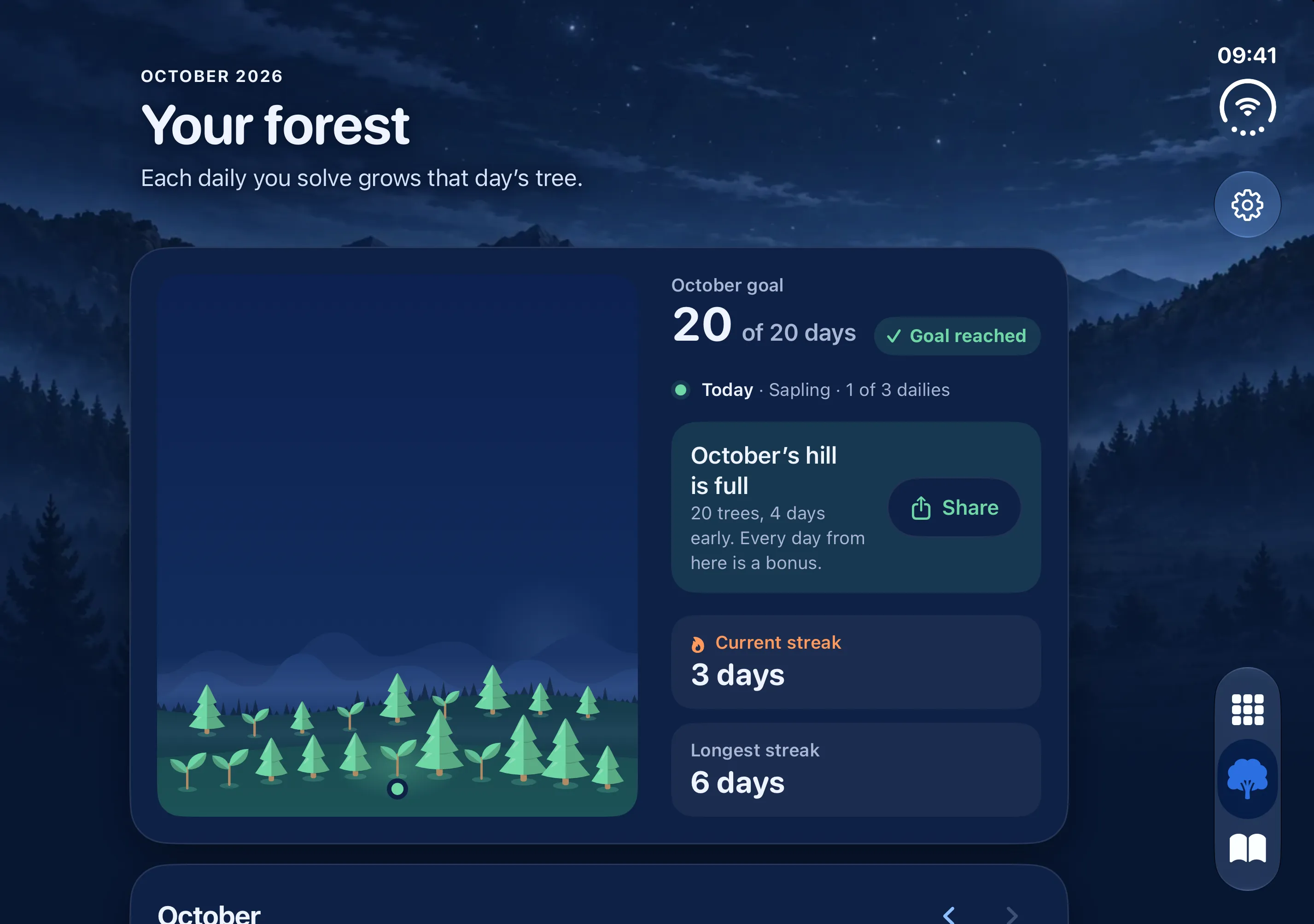
Your forest
Watch your month take root.
Every tree you grow stays on your hill. Grow one on 20 days and the month's hill is full. Your streak and best times for each daily are there when you want them, and streaks and the monthly goal can be hidden in Settings.
Your forest


Sudoku should feel like your morning coffee, not a slot machine.
Hints that teach
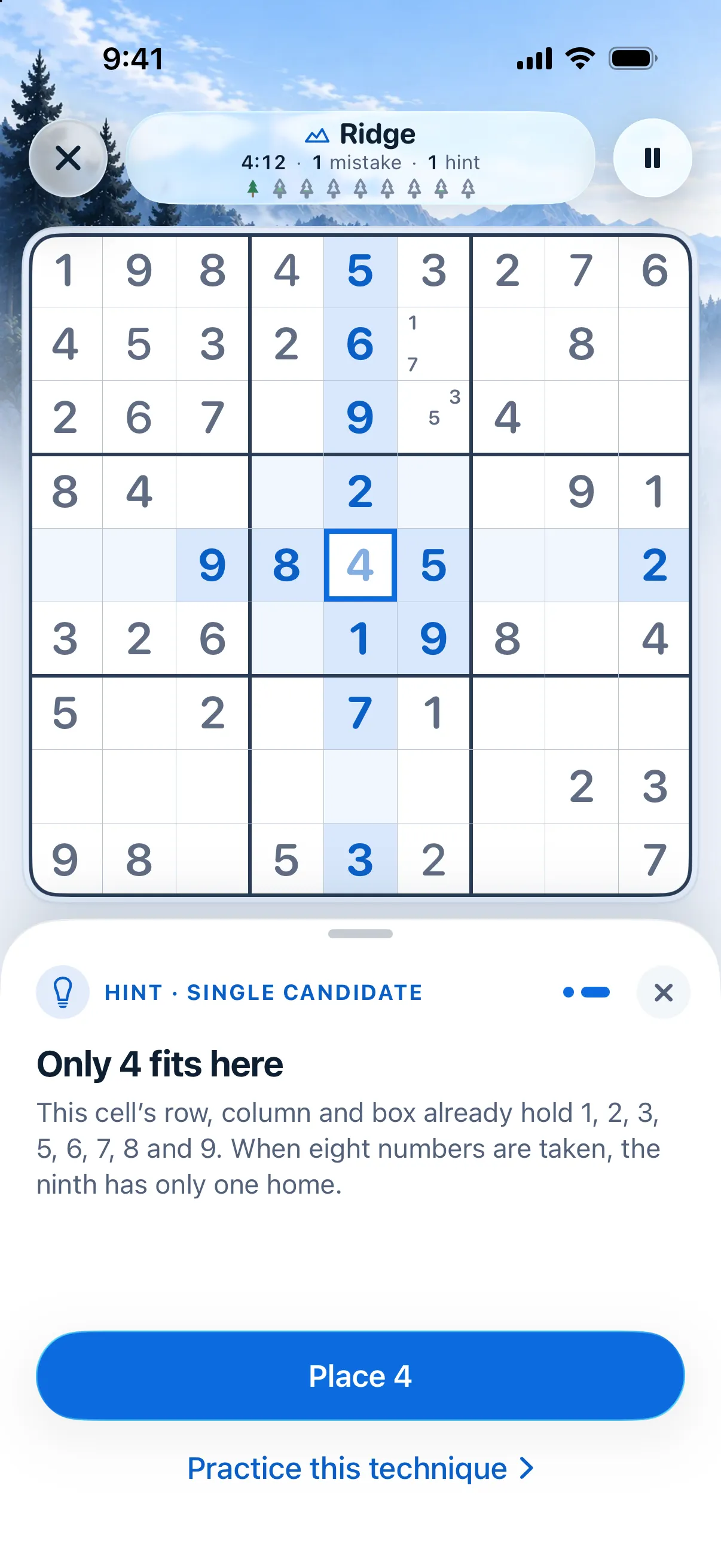
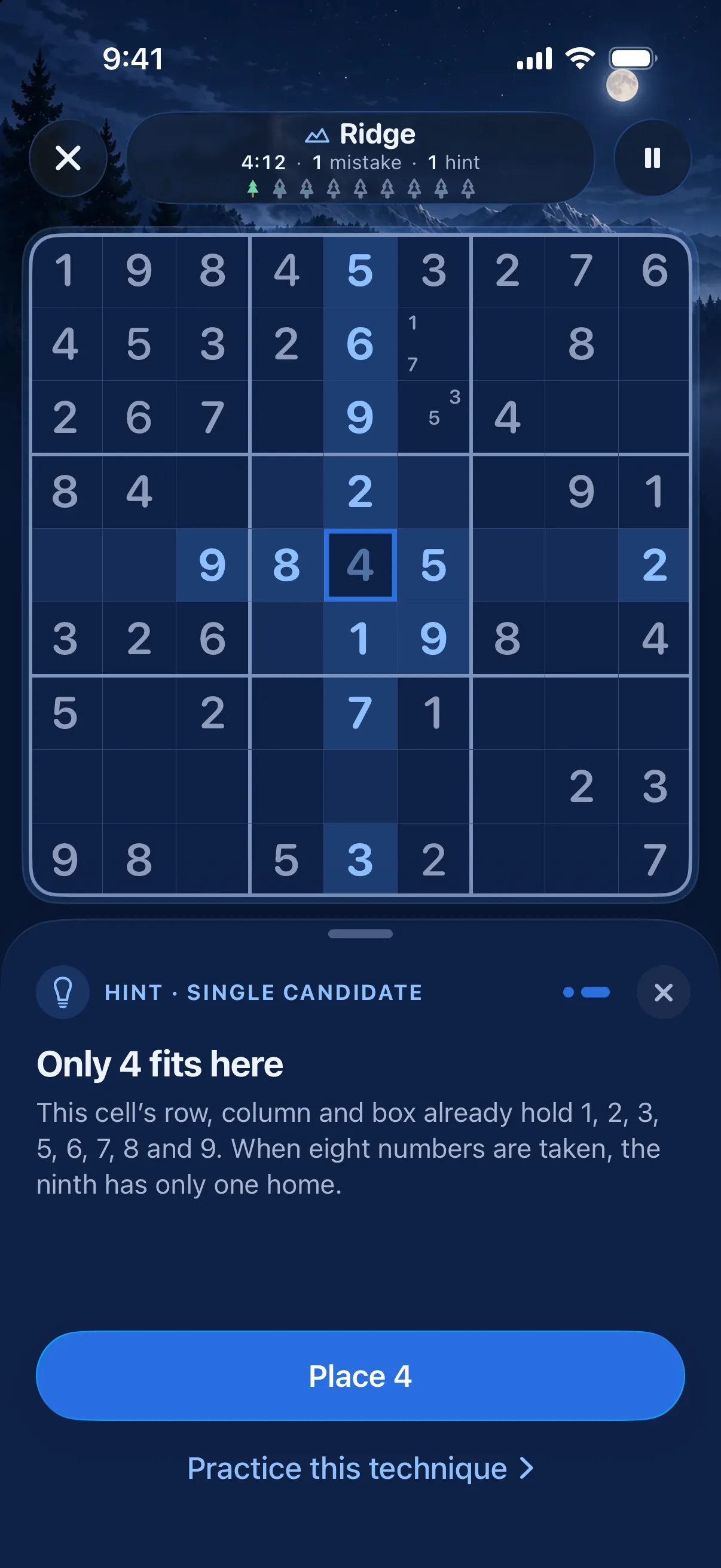
Stuck? Get a nudge, not the answer.
A hint first lights up where to look and says what to look for. Ask again and it shows the cell and explains why the number fits, then offers to place it. With Full, the “What this puzzle needed” screen after each solve shows which techniques it took and where your time went.
Hint 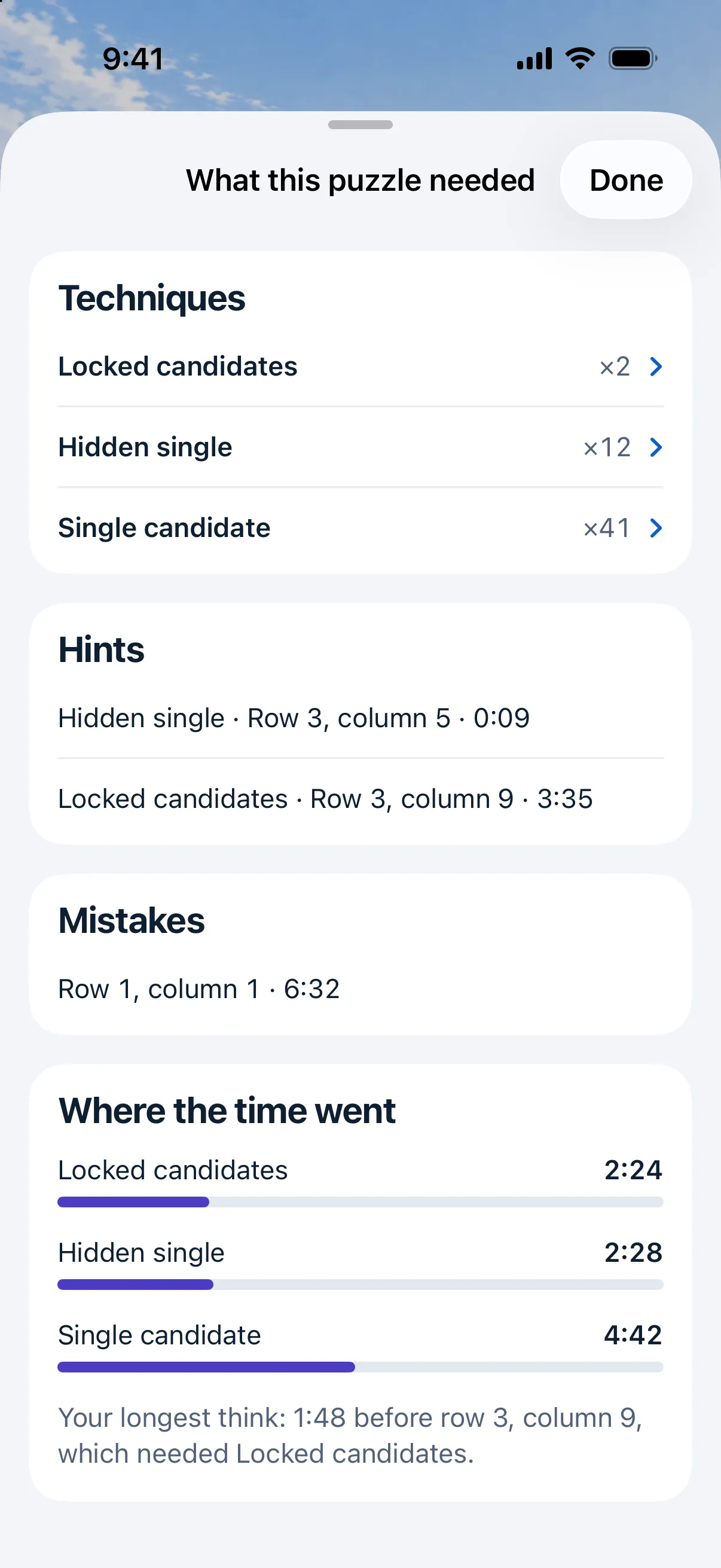
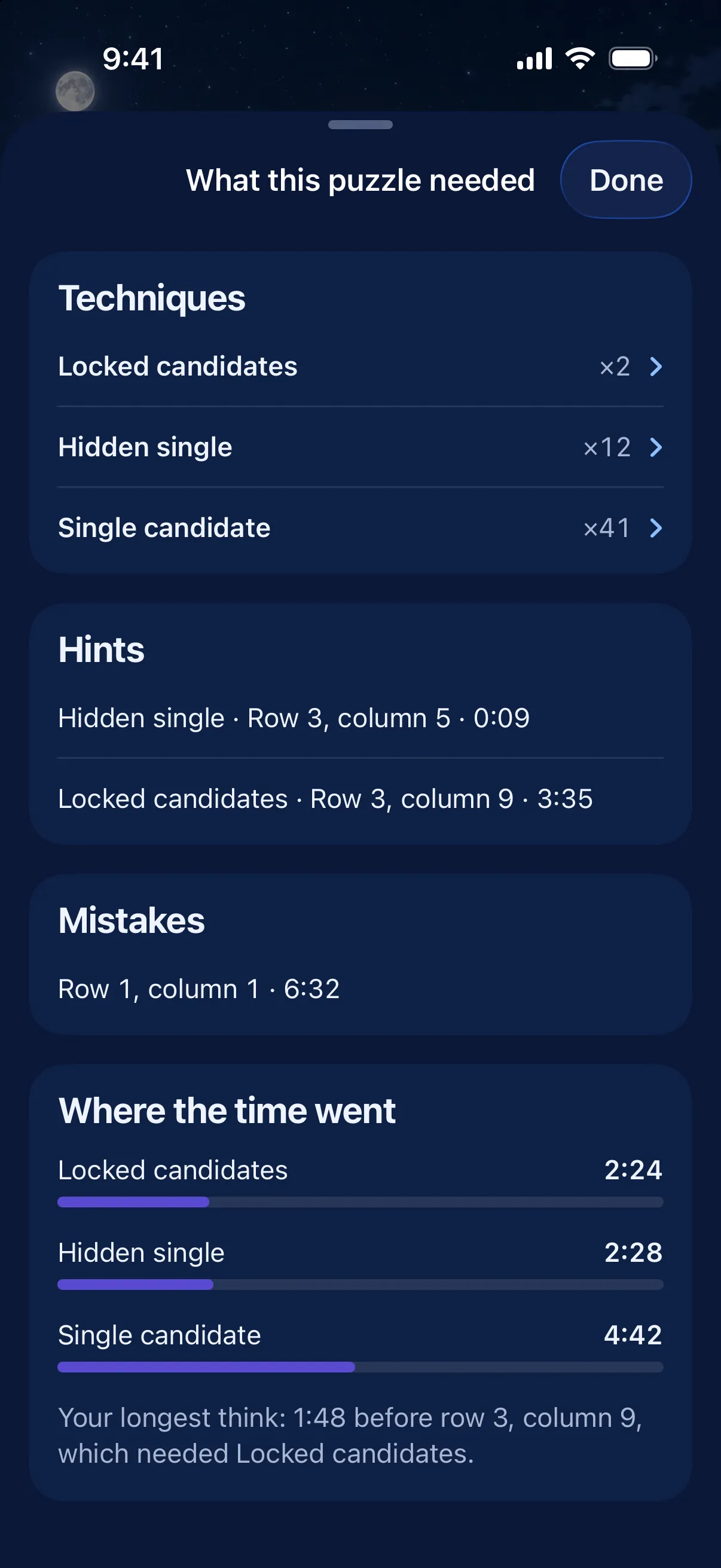
What this puzzle needed


Learn
Real techniques, one at a time.
8 short lessons on a trail from Single candidates to X-Wing. Each takes about three minutes: one worked example, then three exercises. The hint you just used tells Learn which lesson to offer next.
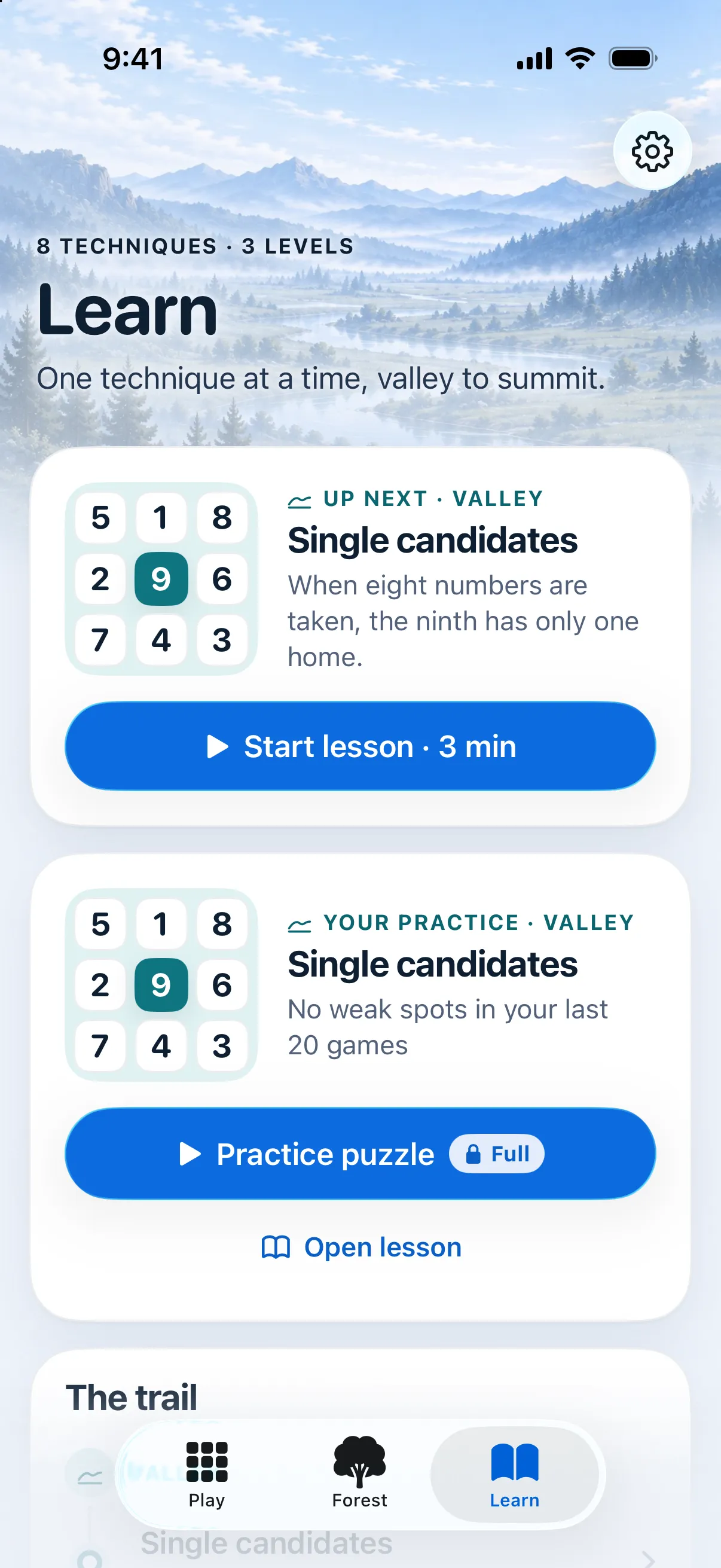
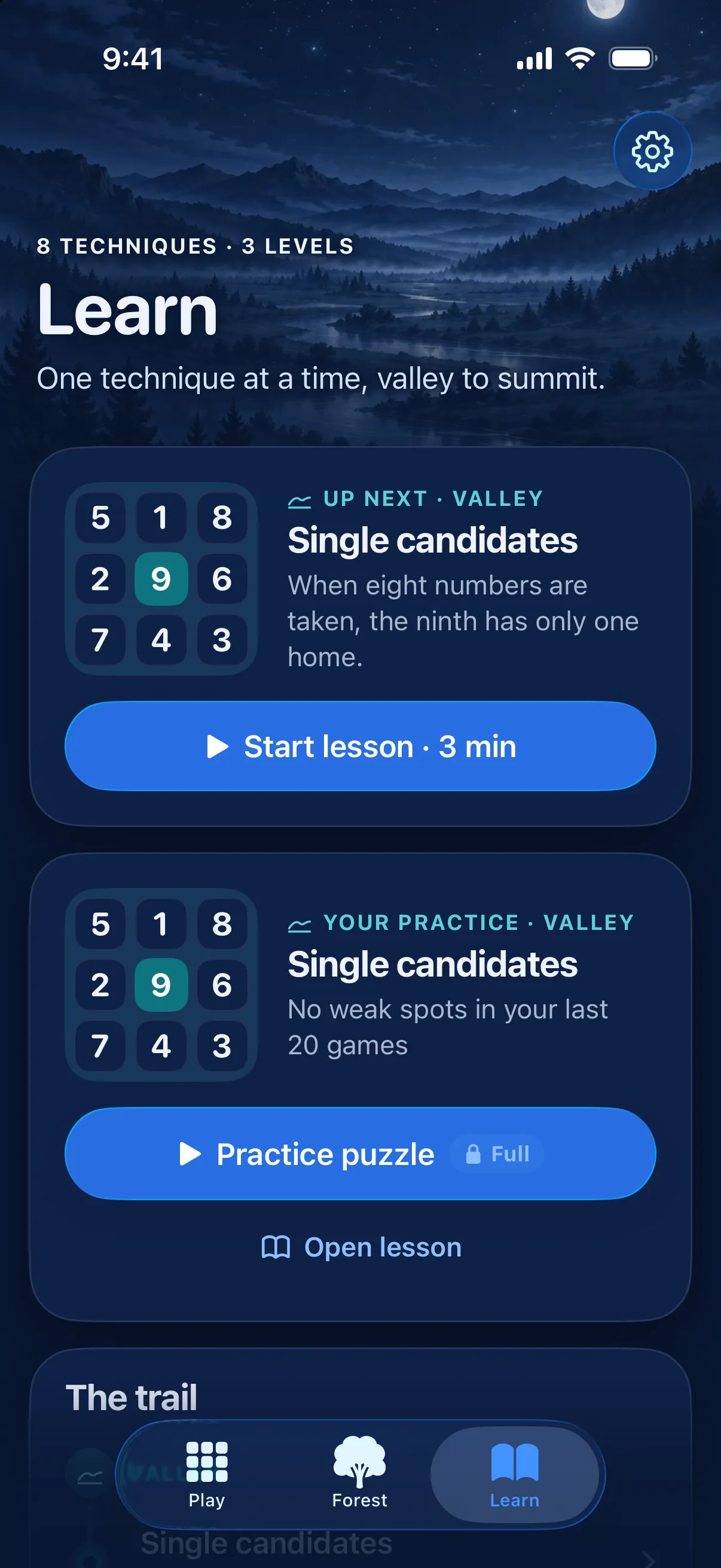
Learn


Day and night
Easy on the eyes, morning or midnight.
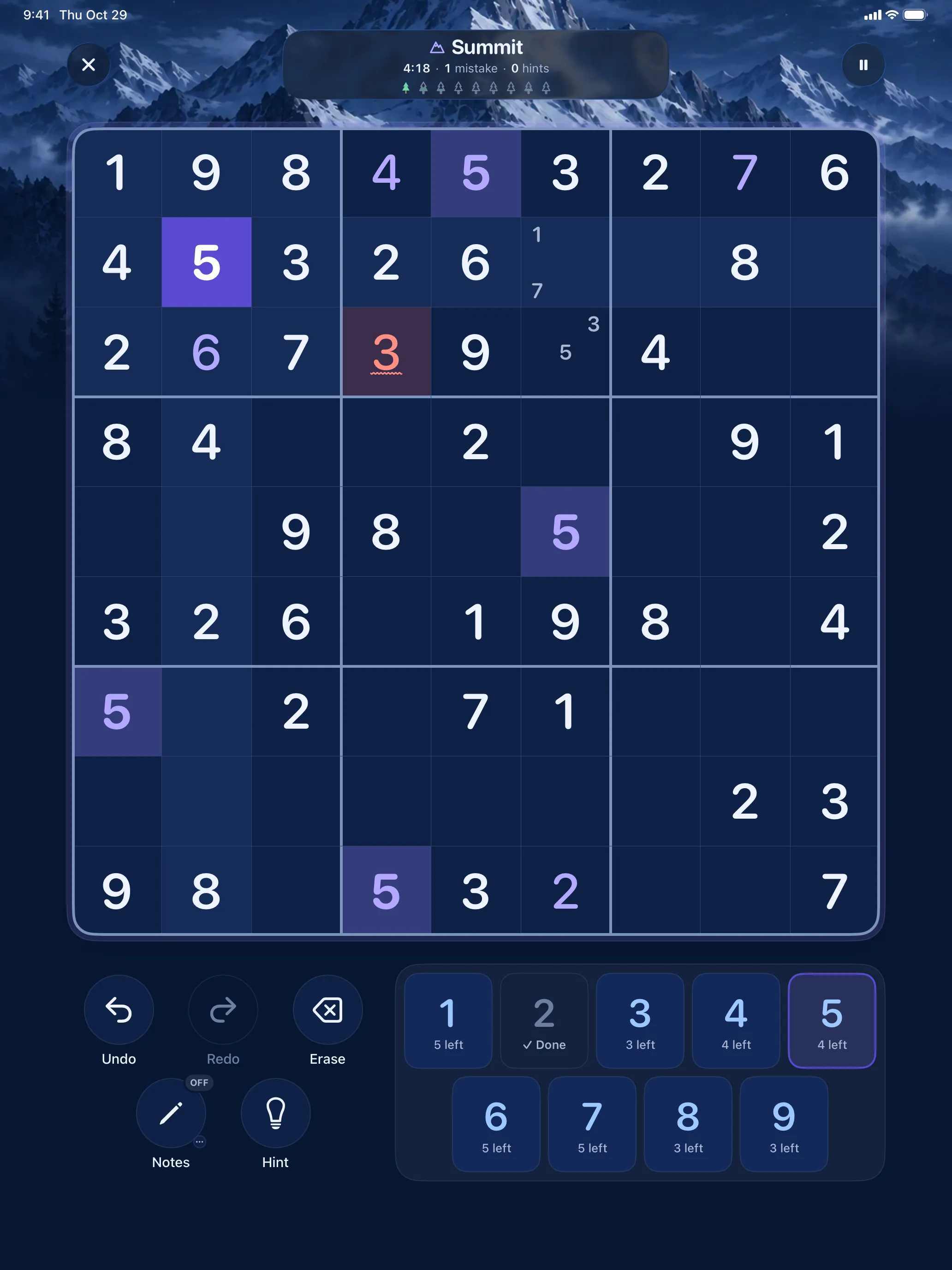
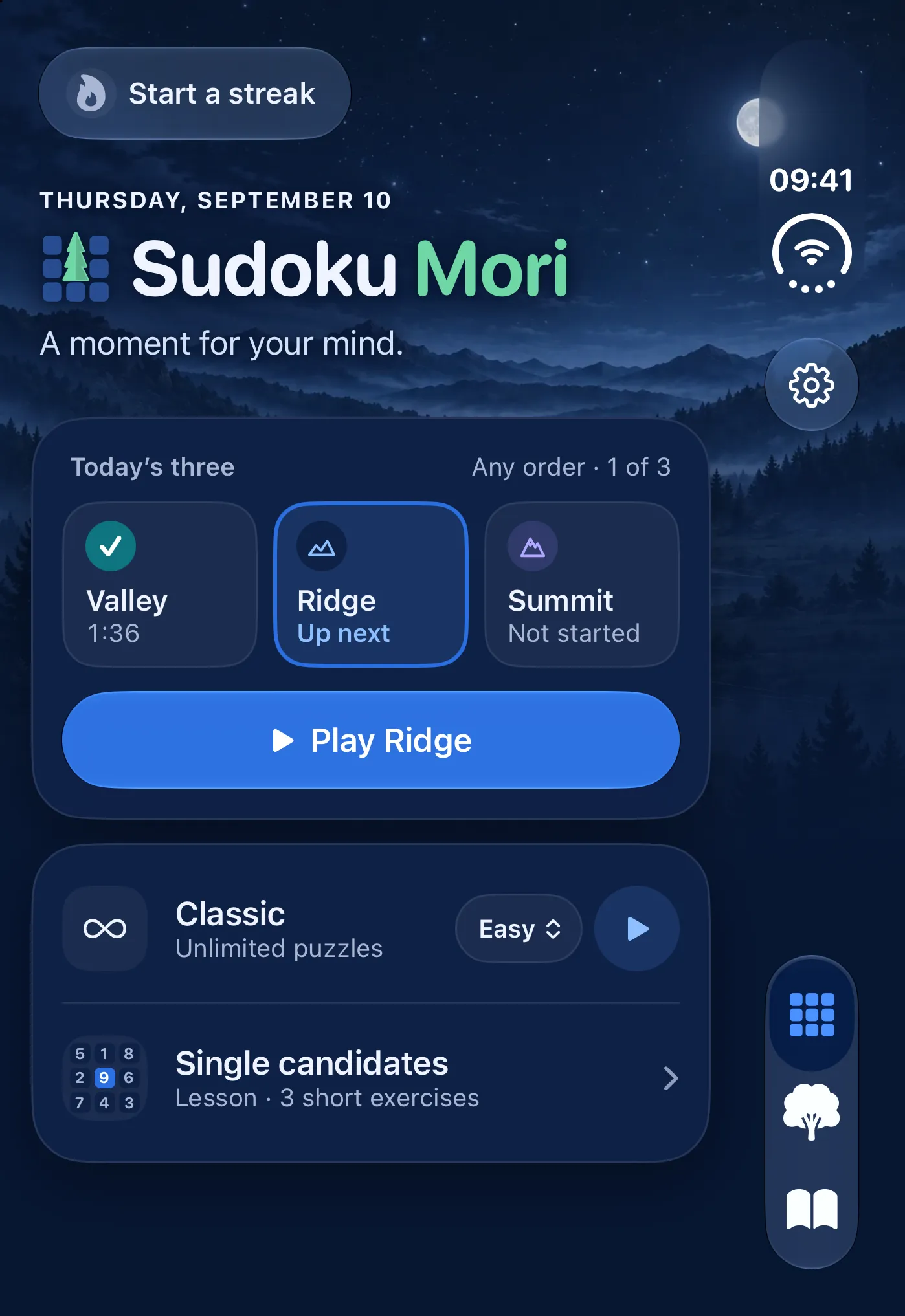
A full dark design under a moonlit sky. It follows your device, or you can pick light or dark in Settings.
iPad 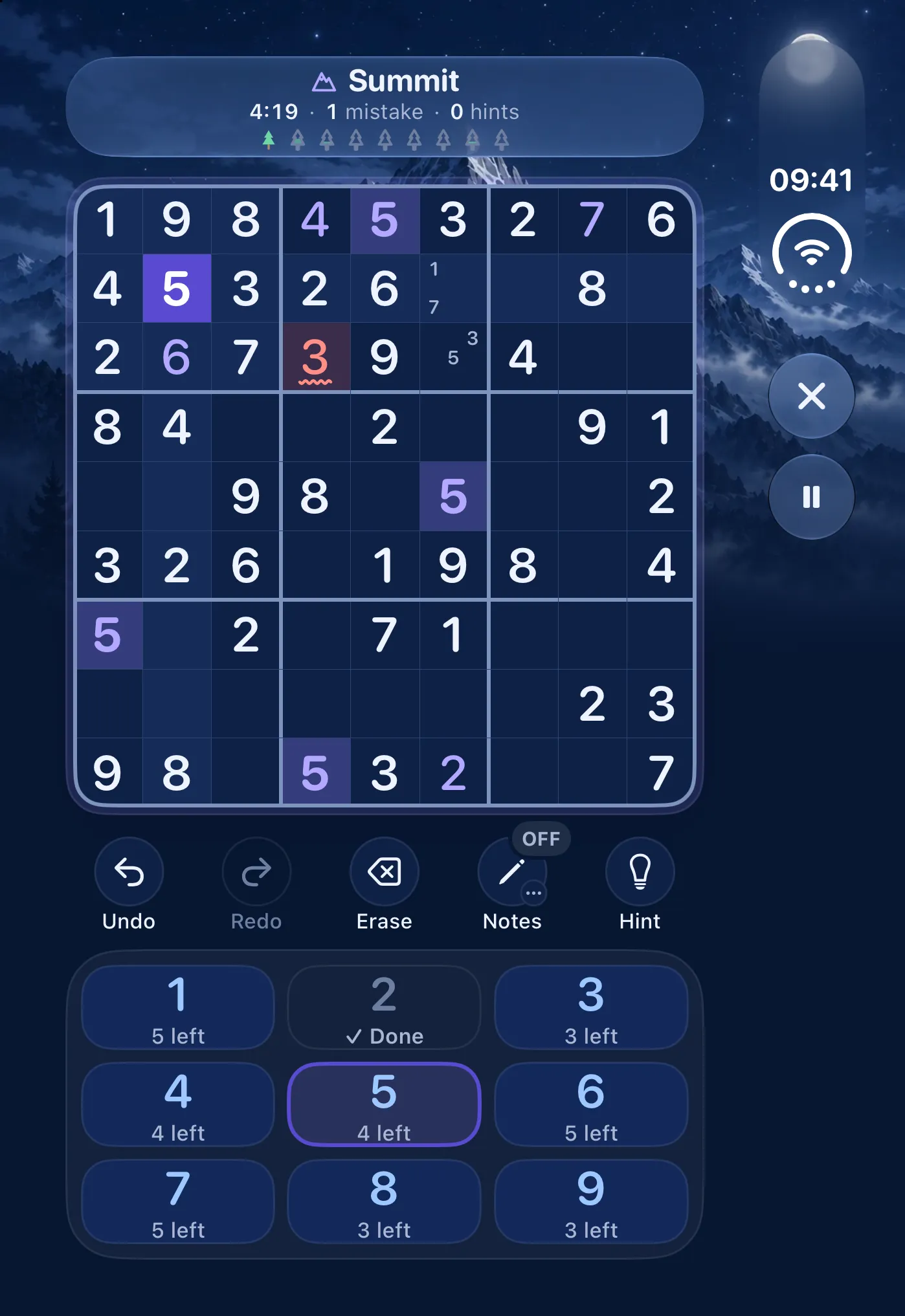
iPhone Duo 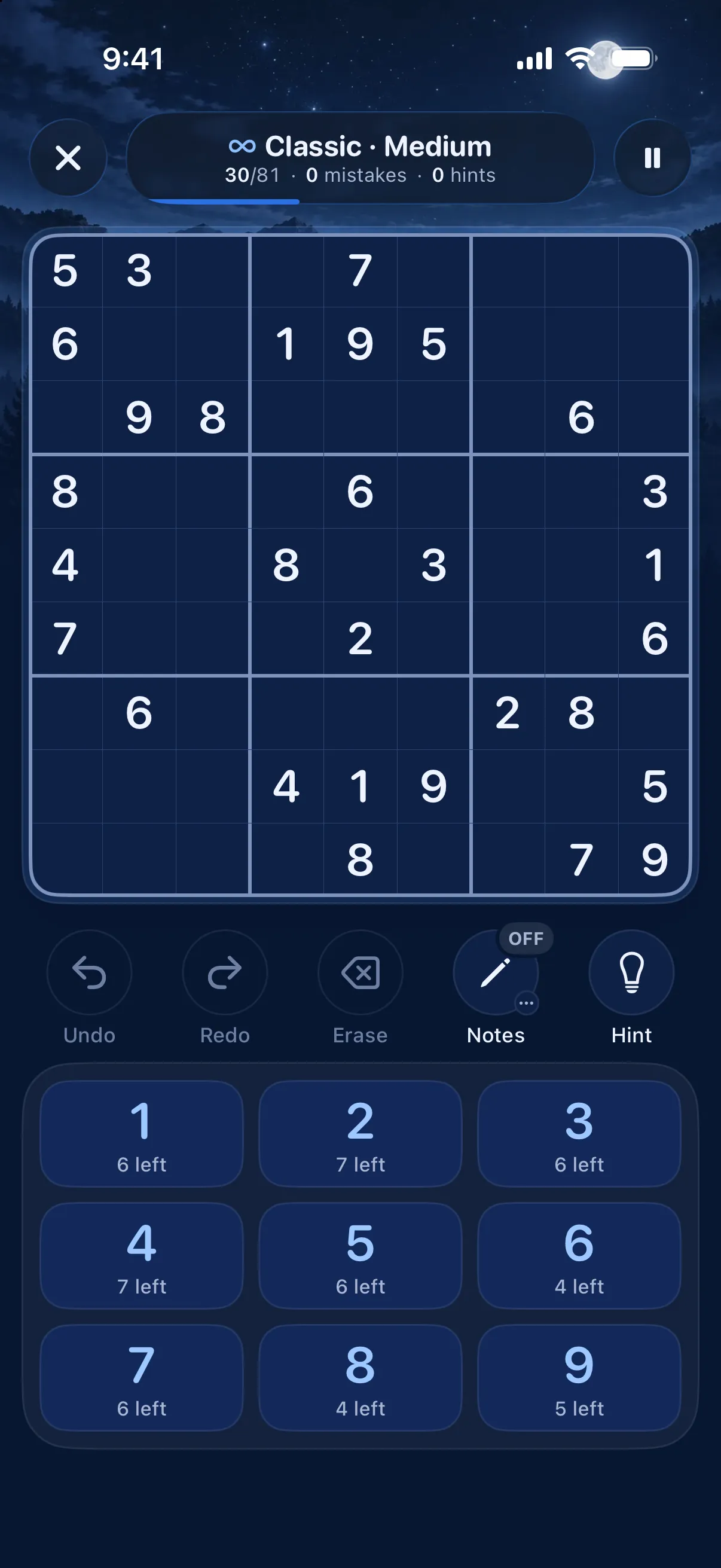
iPhone 17 Pro


Widgets
Today's tree, where you already look.
Put the Today's tree widget on your Home Screen or Lock Screen. It shows your tree and which daily is next, and one tap opens that puzzle. It never shows the grid, a timer or a red badge.


iPhone and iPad
Laid out for every screen it runs on.
Hold an iPad in landscape and the keypad moves beside the board, on whichever side you choose. The iPhone Duo gets its own layout folded and open. Every device here is drawn at its real size next to the others.


iPad, landscape 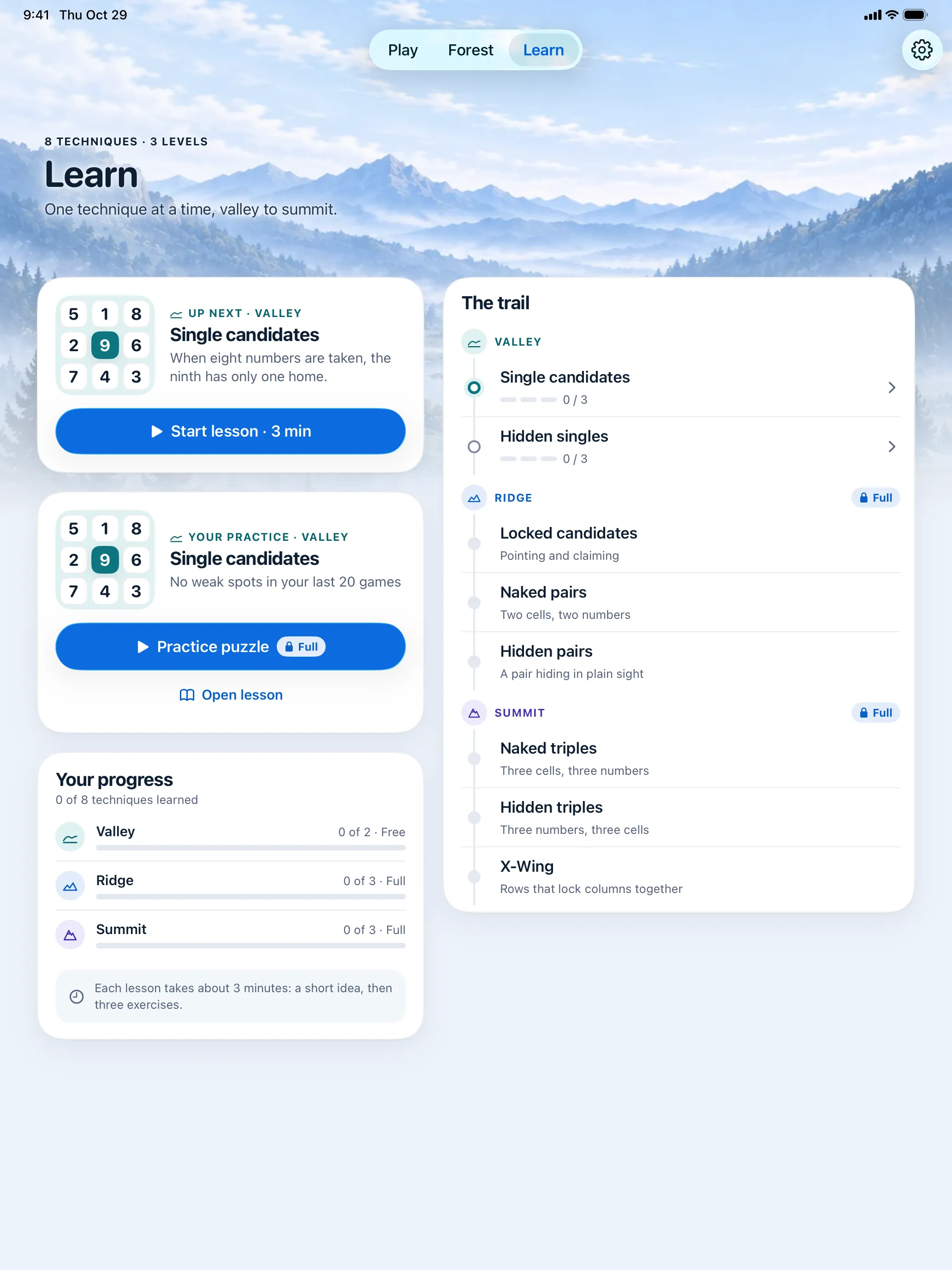

iPad, portrait


iPhone Duo, open 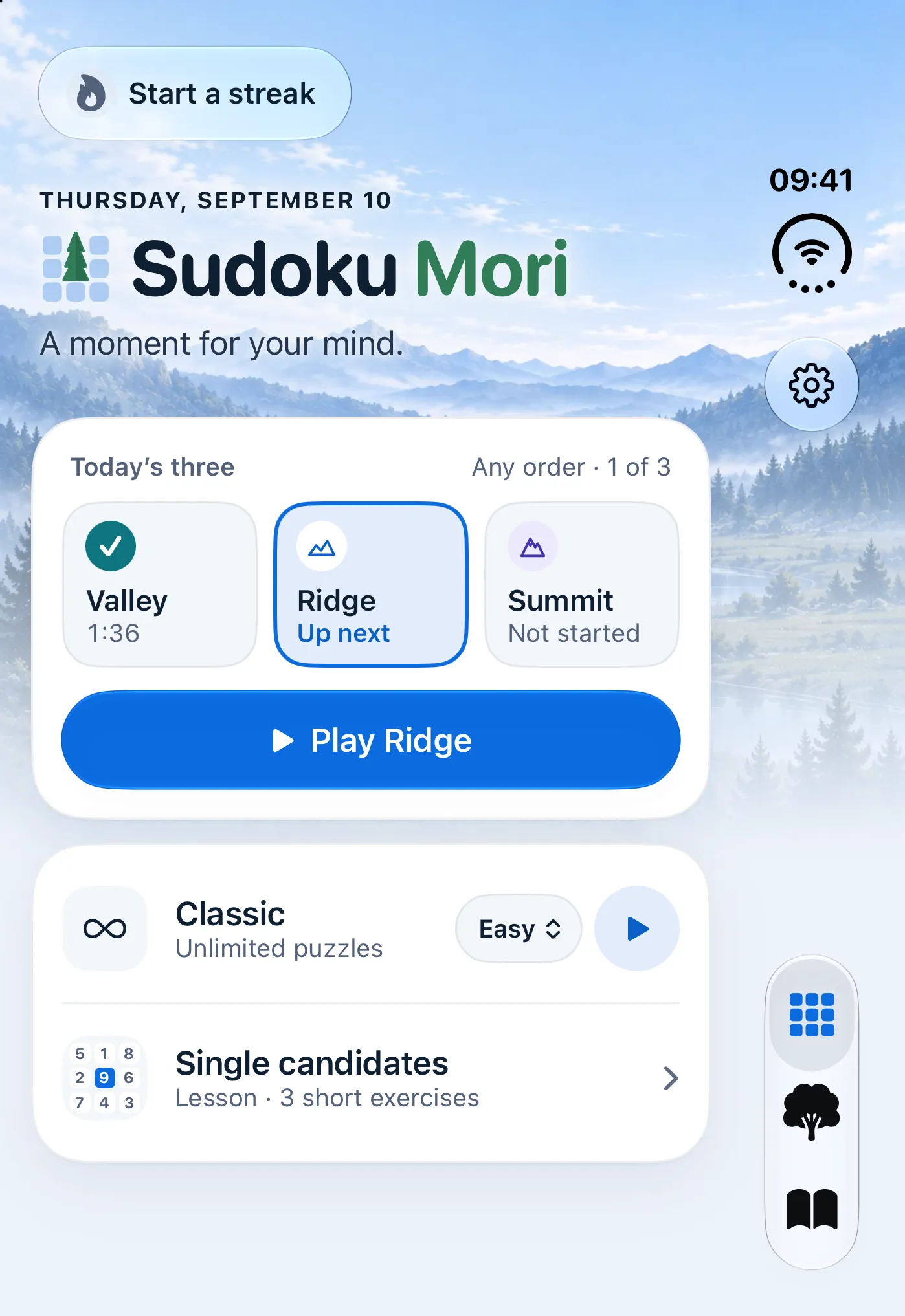
iPhone Duo, folded iPhone 17 Pro


What's inside
The small things, done carefully.
Plays offline
Puzzles are made on your device, so a plane or a tunnel changes nothing. Your progress syncs through your own iCloud when you're signed in.
Notes that keep up
Touch and hold a number to add it as a note. The Fill notes button pencils in every candidate at once, and colours mark cells when you need them.
Mistakes that don't punish
Relaxed gives you unlimited mistakes. Challenge, in Full, turns hints off and allows three, and after the third you can carry on in Relaxed.
Streaks without guilt
Miss a day and your forest stays as it was. No red badges, and no message about losing anything.
Ten languages
English, Japanese, German, French, Spanish, Korean, Italian, Brazilian Portuguese, Traditional Chinese and Dutch.
A proper native app
Written in Swift and SwiftUI, with VoiceOver, Increase Contrast, Reduce Motion and haptics you can switch off.
Free and Full
Free every day. Full, just once.
The free download is a whole game you can keep playing. One purchase unlocks the rest, and nothing else is ever sold.
Free, every day
Free- Today's Valley, Ridge and Summit
- Classic Easy and Medium, unlimited
- Two lessons and unlimited hints
- Your forest, streaks and best times
- Daily Game Center leaderboards
No ads, no time limit.
Sudoku Mori Full
One purchase$4.99One time, US price. The App Store shows the price where you live.
- Classic Hard, Expert and Master
- Challenge mode
- Past dailies for your missed days
- Every lesson, up to X-Wing
- A review after every solve
- Practice for your weakest technique
Bought once, shared with your family. No subscription.

Take a quiet moment today.
Sudoku Mori is in beta on TestFlight. Play it, tell me what to fix, and help shape it before it reaches the App Store. Today's three are waiting, and so is a sapling.